Create new project
Note
Make sure you've followed steps in environment setup
Install the .NET template using:
$ dotnet new install Ignitron.Mod.Templates --nuget-source "https://codeberg.org/api/packages/ignitron/nuget/index.json"
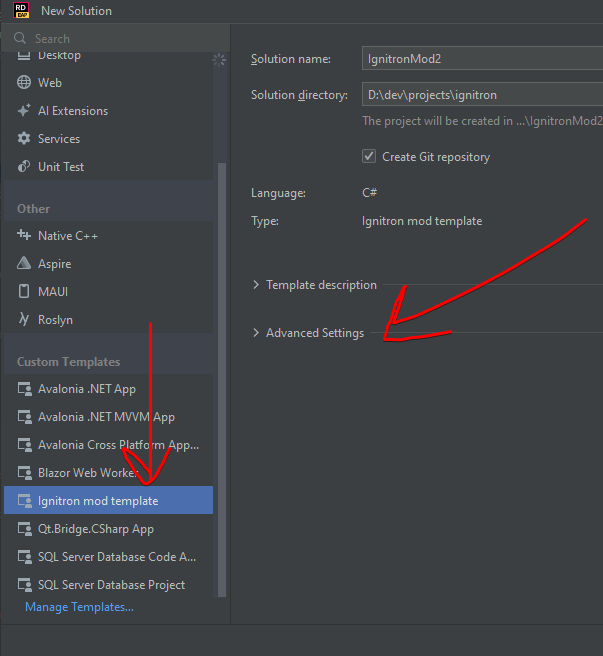
Now you can create a new project depending on your development environment
Now you can go to directory where you would like to make a project and run:
$ dotnet new ignitron-mod --name <ProjectName> --ModId <mod_id>
Or run the help command to see all optional fields:
$ dotnet new ignitron-mod --help
Note
Using 'Run.sh' requires Wine to be installed
By default, the template will include examples on how to use Harmony patches, add blocks and load sprites for them.